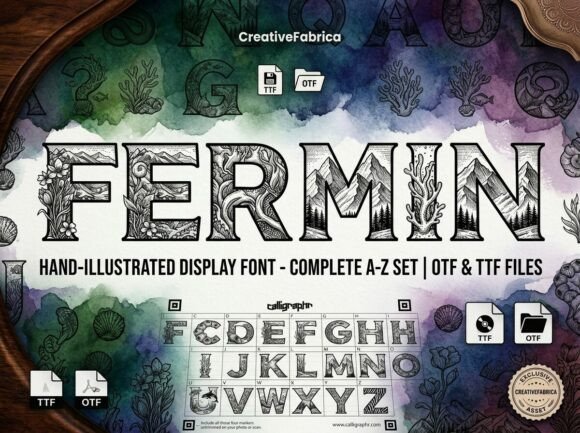
Mastering Fermin: How to Use This Bold Decorative Font Without the Design Pitfalls
When you first encounter Fermin, it’s easy to be captivated. It is, by design, a stunning decorative display typeface created to be the center of attention. With its unique artistic elements and strong visual personality, Fermin is built for creators who want to break away from the ordinary. However, the very boldness that makes it attractive is also what makes it easy to misuse. If you are considering adding this font to your toolkit, understanding its specific nature is the first step toward using it effectively.
Many designers and entrepreneurs purchase decorative fonts like Fermin based on how they look in a promotional preview, only to find that the font doesn't behave like the standard text fonts they are used to. To ensure you get the professional and polished finish you desire, you need to approach Fermin with a strategy rather than just excitement.
The "All-Caps" Reality Check
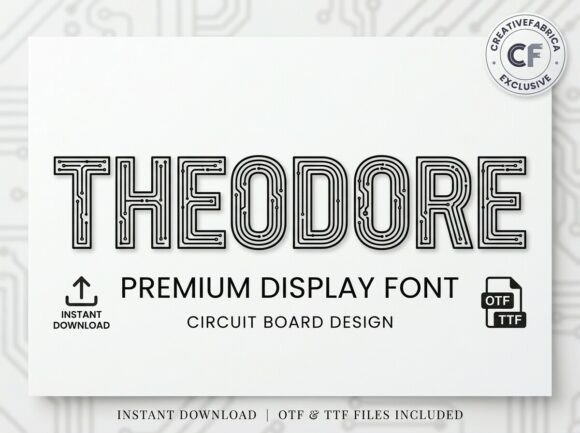
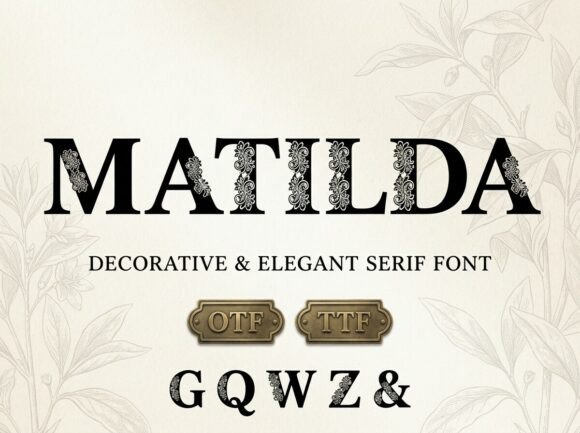
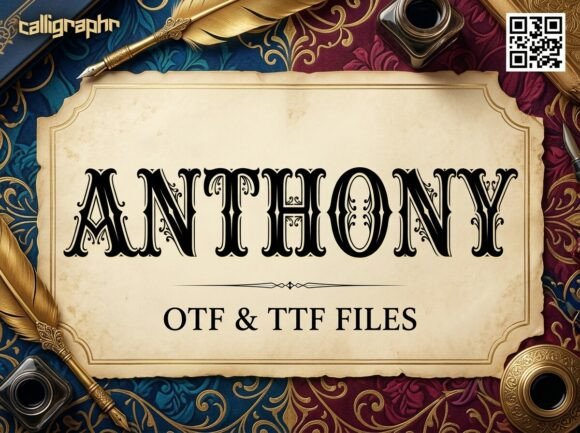
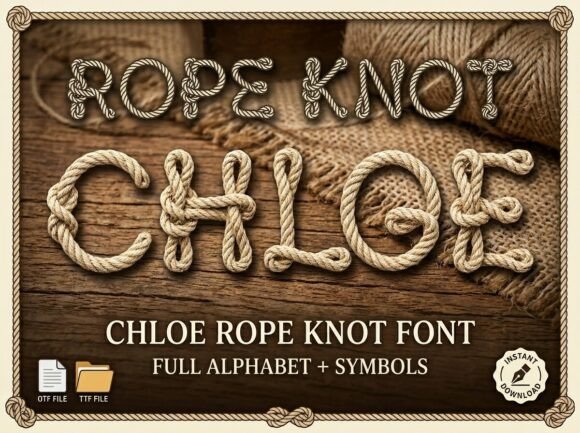
The most critical mistake users make with Fermin is assuming it functions like a standard body text typeface. Before you even think about the aesthetic, you must address the functionality. Fermin is an ALL-CAPS, uppercase-only display typeface. This is not a limitation; it is a stylistic choice designed specifically for high-impact headlines, logos, and decorative initials where every letter is treated as a work of art.
The misunderstanding arises when creators try to type a sentence expecting a mix of upper and lower cases, only to see every letter capitalized. This can disrupt the flow of longer text, making it difficult to read. If you attempt to use Fermin for a paragraph of information or a lengthy blog post title, the lack of case variation will cause the words to blur together visually.
Avoiding the Readability Trap
Because Fermin features unique artistic elements, it demands space to breathe. A common error is cramming this font into tight spaces or using it for small text. When you shrink a highly detailed decorative font, you lose the very details that make it special. The lines may merge, and the distinct personality of the typeface turns into visual noise.
The Better Approach: Use Fermin exclusively for short, punchy statements. Think of it as the "shout" in your design vocabulary. It works best for:
- Bold headlines that need to grab attention immediately.
- Artistic logos where the text is a central graphic element.
- Creative packaging where the brand name needs to stand out on a shelf.
- Decorative initials at the start of a chapter or article.
If you need to communicate detailed information, pair Fermin with a clean, legible sans-serif or serif font. Let Fermin handle the "wow" factor, and let the secondary font handle the storytelling.
File Formats and Software Compatibility
Another area where users often hit a roadblock is file compatibility. You will receive two standard file types with this font: an OTF (OpenType Font) and a TTF (TrueType Font). Beginners often don't know the difference, which can lead to installation headaches.
The OTF file is the professional standard. It is optimized for advanced design and layout software like Adobe Illustrator, Photoshop, or InDesign. If you are working on complex branding projects, the OTF file usually offers the best rendering and layout capabilities.
The TTF file is the standard for universal compatibility. If you are installing the font on a Windows machine for use in Microsoft Word, PowerPoint, or basic design apps like Canva, the TTF file is your reliable choice.
Checking Your Workflow Before You Buy
Before purchasing Fermin, check your primary software. If you are a freelancer using professional Adobe products, the OTF file will serve you well. However, if you are a small business owner trying to create a quick flyer in a basic word processor, ensure your system supports custom font installation. A frequent frustration is buying a font and realizing the software being used doesn't support custom typography well. Always install the TTF version first if you are unsure, as it has the widest compatibility across different devices.
Pairing and Visual Hierarchy
Because Fermin has a "strong visual personality," it can easily overpower other design elements. A common design misstep is pairing Fermin with another bold or decorative font. This creates a visual conflict where two fonts are fighting for the viewer's attention, resulting in a chaotic and unprofessional look.
Constructive Advice: Treat Fermin as the protagonist of your layout. If you use it for a headline, pair it with a neutral, geometric sans-serif for the body copy. This contrast creates a balanced hierarchy. For example, using a clean font like Montserrat or Lato beneath a Fermin headline allows the artistic elements of Fermin to shine without making the page unreadable.
Evaluating the Artistic Elements
When evaluating if Fermin is right for your brand, look beyond the initial "cool factor." Consider the tone of the artistic elements. Fermin is designed to be bold and break away from the ordinary. This makes it perfect for brands that want to appear edgy, modern, creative, or luxurious.
However, if your brand identity is strictly corporate, minimalist to the point of austerity, or requires a formal tone, Fermin might send the wrong message. Using a decorative display font for a legal firm or a serious financial report can undermine credibility. The font should match the voice of your content.
Practical Application in Logos
When using Fermin for logos, remember that it is an all-caps typeface. This works well for acronyms or short brand names. However, if your business name is long, the all-caps nature of Fermin might make the logo too wide or difficult to scale down for business cards or social media avatars. Always test the logo at very small sizes to ensure the artistic details don't disappear into a blur.
Final Thoughts on Choosing Fermin
Fermin is a powerful tool for the right project. It offers a polished finish and a distinct personality that can elevate a design from standard to striking. By respecting its all-caps nature, choosing the correct file format for your software, and pairing it with a complementary text font, you avoid the common pitfalls that plague decorative typography.
Don't just download it and start typing. Plan your layout. Give the letters room to breathe. When used with intention, Fermin doesn't just display words; it turns them into a visual statement. Make sure your project is ready for that level of impact before you commit.